



The Basics of BadgerCare Plus
Learn about the basics of BadgerCare Plus such as what’s covered, how to sign up, what to do if you’re denied.
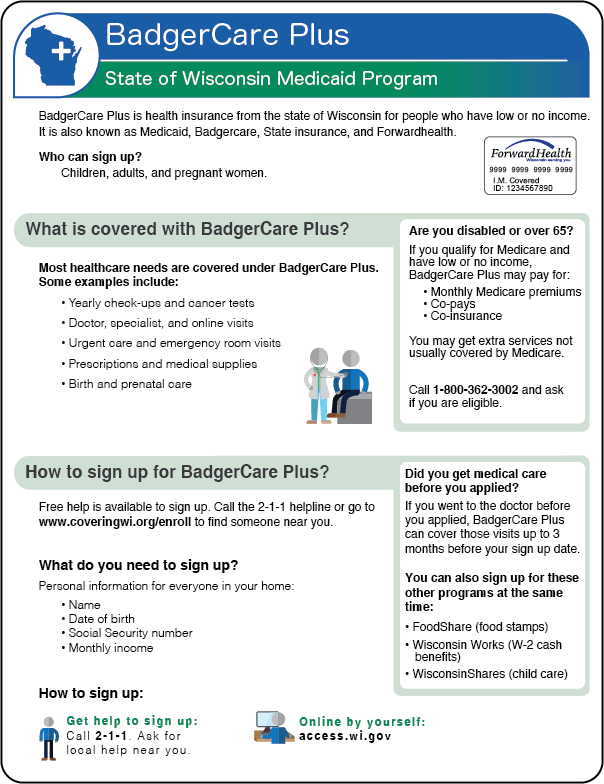
BadgerCare Plus is health insurance from the state of Wisconsin for people who have low or no income. It is also known as Medicaid, BadgerCare, State insurance, and ForwardHealth. Children, adults, and pregnant women can sign up for BadgerCare Plus.
What is covered with BadgerCare Plus?
Most healthcare needs are covered under BadgerCare Plus. Some examples include:
Yearly check-ups and cancer tests
Doctor, specialist, and online visits
Urgent care and emergency room visits
Prescriptions and medical supplies
Birth and prenatal care

Are you disabled or over 65?
If you qualify for Medicare and have low or no income, BadgerCare Plus may pay for:
Monthly Medicare premiums
Co-pays
Co-insurance
You may get extra services not usually covered by Medicare. Click here to find your local ADRC (Aging and Disability Resource Center) to learn about programs that can help you pay for Medicare.
How to sign up for BadgerCare Plus?
You can get free help to sign up by calling (877) 942-6837 and asking for local help near you. You can also go to access.wi.gov to apply online.
You’ll need the personal information for everyone in your home:
Name
Date of birth
Social Security Number
Monthly income

What happens after you apply for benefits?
You will get a letter from CDPU (Central Document Processing Unit) telling you what to do next. You may need to send documents or give more information. Read each letter so you don’t miss any information.
After you’re approved, you will get a ForwardHealth card and information on how to use your insurance. If you don’t get your card or have questions about BadgerCare Plus, call Member Services at 1-800-362-3002 or email memberservices@wisconsin.gov

Ways to send more documents:
Take and submit photos on the MyACCESS app
Scan or upload to access.wi.gov
Mail or drop off at an agency near you
Fax
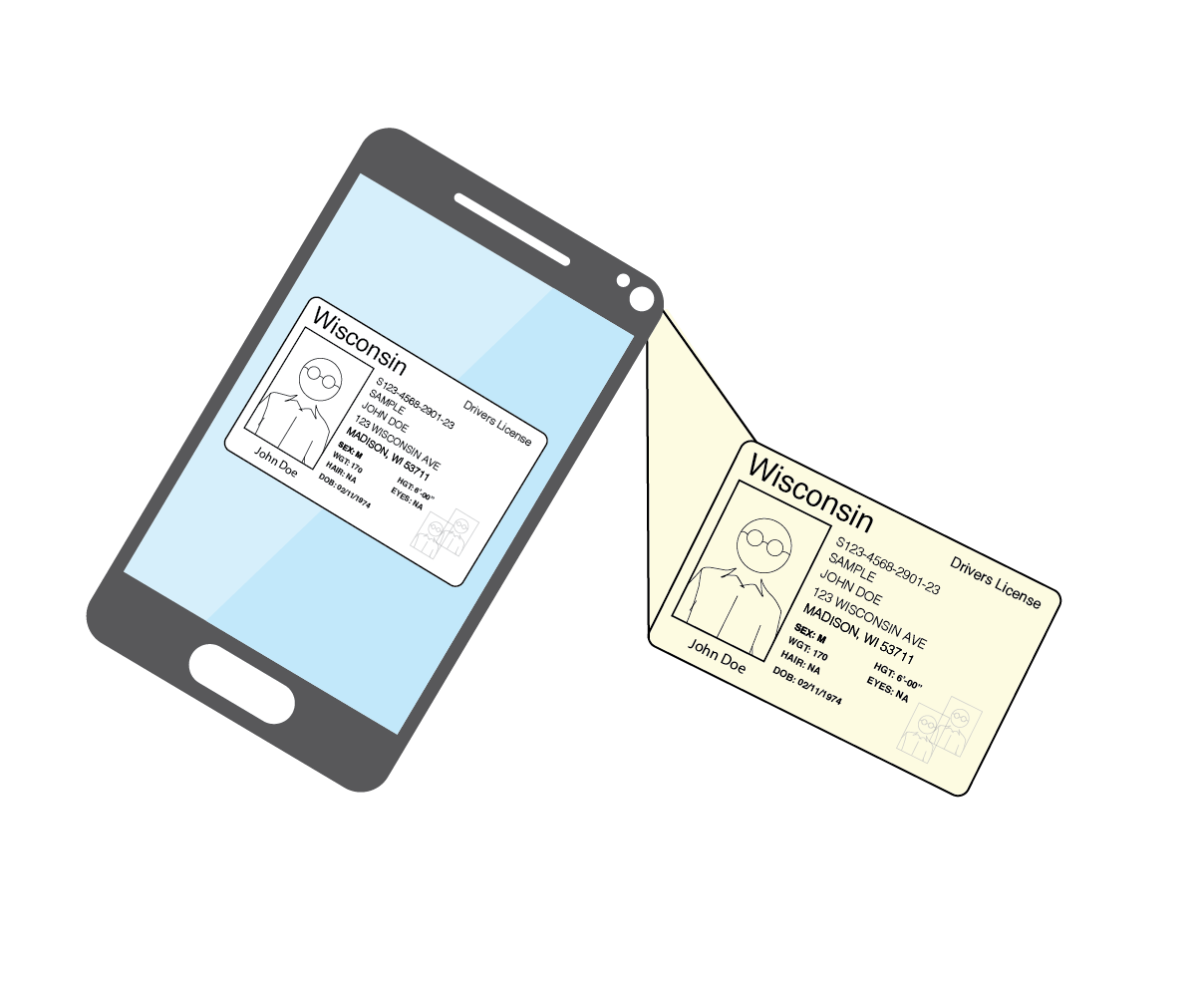
With the MyACCESSApp you can submit documents, see your benefits, and get reminders.
To download the MyAccess app:
Go to your app store (Google Play or Apple app store)
Search “MyACCESS Wisconsin”
Download and install the app
Sign in using your case number

What if you are denied BadgerCare Plus?
Call(877) 942-6837 and ask for health insurance help. There are non-profit agencies who can help you to:
Find and fix any problems on your application
Upload your information
Find other options for health care

This page and PDF were created by Covering Wisconsin and made possible by a grant from Anthem Blue Cross and Blue Shield.




You can download a printable PDF of this information
Click the image to download a copy in English and Spanish.