



Ride Options for Medical Appointments
If you have no way to get to your medical appointment or the pharmacy, and have BadgerCare Plus or another Medicaid program that uses ForwardHealth card, you can get:
A ride
Bus Tickets
Money for gas mileage

To get a ride or bus tickets:
If you live half a mile or less from a bus stop, MTM will send you bus tickets. You can still get a ride for urgent care, or special circumstances. If you don’t live near a bus stop,you can schedule a ride at least 2 business days before.
You must schedule 9 business days before your appointment so your bus tickets can arrive on time. If you go to the doctor weekly or monthly, you or your clinic can schedule rides for up to 3 months.

Schedule in the MTM Link mobile app
Schedule online www.mtm-inc.net/mtm-link/
Call MTM at866-907-1493 to get a ride or get bus passes
Need an urgent ride? Call 866-907-1493 or 711(TTY) to get an urgent ride in 3 hours or less. The phone line is always open. Urgent rides can’t be scheduled online. You can get a same day ride to:
Urgent care
Home when you are released from the hospital
A follow-up visit within 2 days of the first urgent care visit
Need someone to ride with you?
Call MTM, make your reservation online, or use the app 2 business days before your appointment to add riders. Extra riders can only come if there is space in the car.
Who can ride with you?
Medical support person - You will need your doctor’s name and phone number.
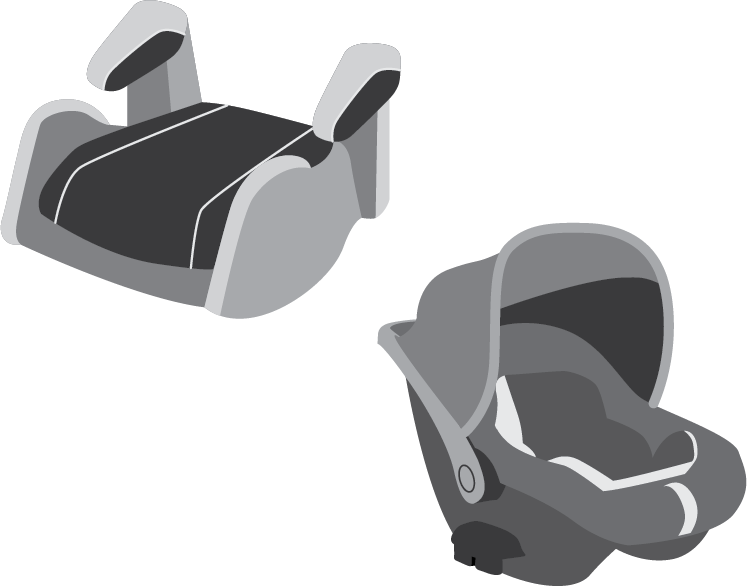
Children - Bring your own car seats. Each child must have the correct car seat.
How to submit your trip for gas money:
MTM Link Member Mobile App
Download and register your information in the MTM Link app.
Before you leave, click “I’m Leaving” to start your trip. You must click this button to begin your trip.
When you arrive at your appointment, click “I’m Here”. You don’t need a doctor’s signature.
MTM Link will match your location with your appointment address. You will see a message that says “Location Verified”. Make sure you allow the MTM Link app to access your phone’s location.
Click “Submit Reimbursement”. You will receive your payment within 5 business days. Make sure you set up payments in the app.
With the MTM Link Member app, you don’t need a doctor’s signature. You must use the same mobile device for the start and end of the trip.
Trip Log Form
Use the trip log form to write down your trip information for appointments. If you need help filling out your trip log, you can ask the front desk at your doctor’s office, or call MTM at 866-907-1493 and ask for help.
Before your appointment, call MTM at 1-866-907-1493 and ask for trip logs to be mailed to you or print a Mileage Reimbursement Trip Log at www.mtm-inc.net/wisconsin/
Fill out your trip log. At the appointment ask a doctor, nurse, or the front desk to sign it. You can include a trip to the pharmacy on your trip log.
Submit your Reimbursement Trip Log within one year.
Online: Go to mtmgmr.zendesk.com and click on “Submit a Gas Mileage Reimbursement Request” in the top right corner.
Mail: MTM, Attention: Trip Logs 16 Hawk Ridge Dr. Lake St. Louis, MO 63367
Fax: 1-877-318-1435
Choose how you want to get paid back:
MTM Link Member Mobile App
Navigate to “Payments” and click “My Members” to set up your payment options. You can choose one of the following:
Paper check mailed to you
Direct deposit
Reloadable Visa debit card
If you have questions about your reimbursement, call 866-907-1493 (TTY:711)

You can download a printable PDF of this information
Click the image to download a copy in English and Spanish.
