


Seeing a Doctor from Home
Learn about scheduling telehealth doctor visits using a phone or computer
What is telemedicine?
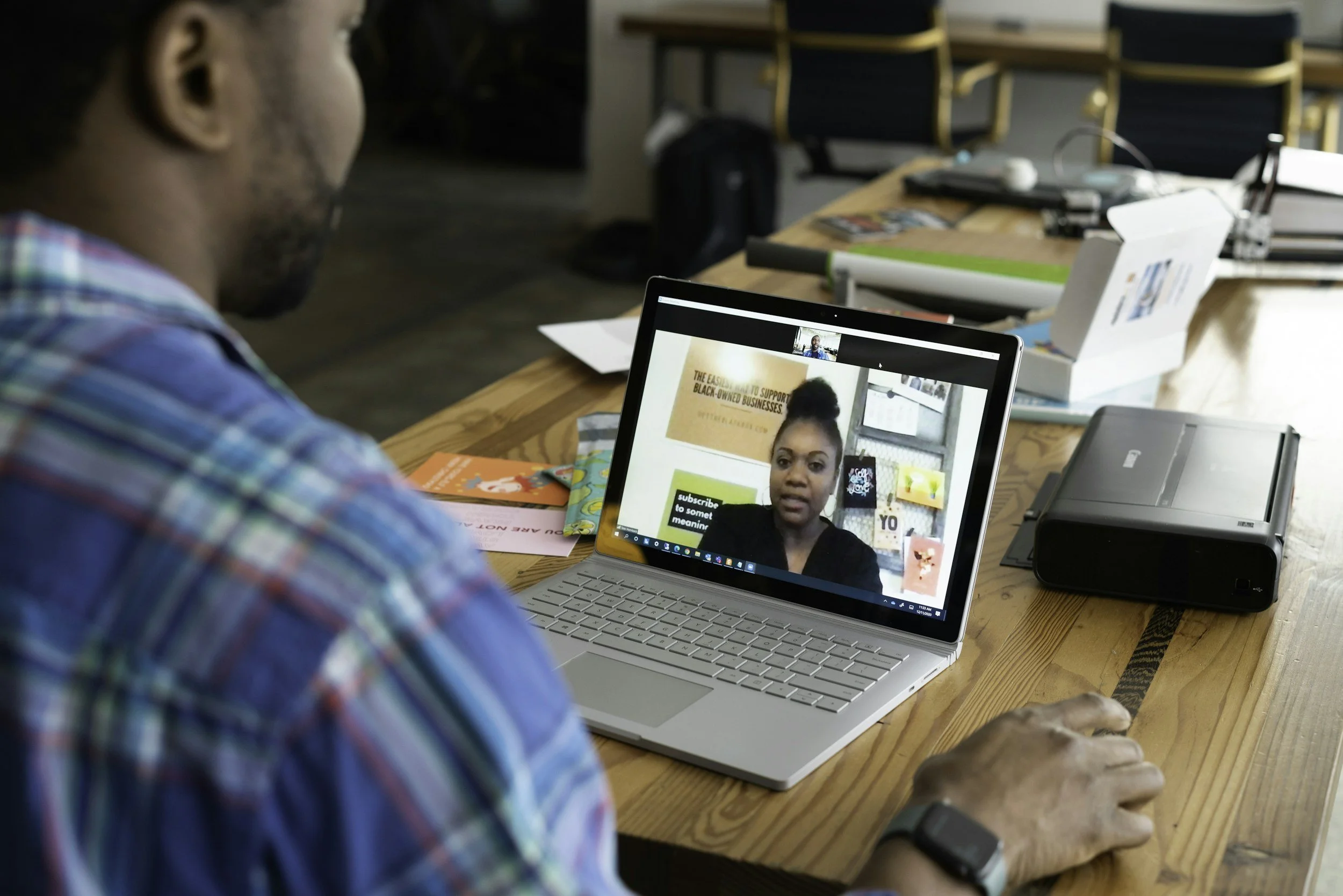
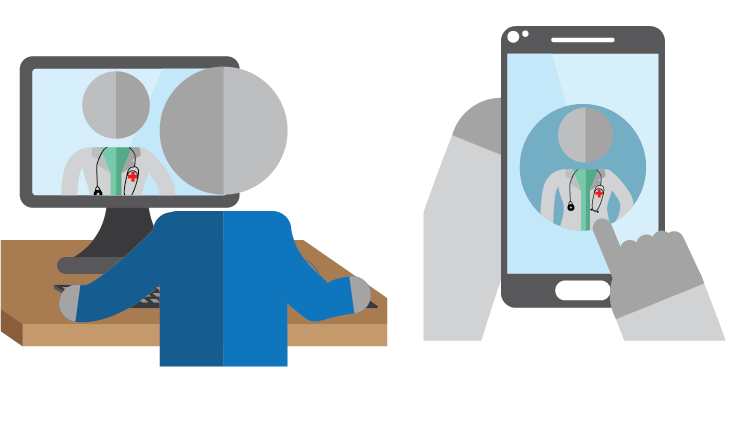
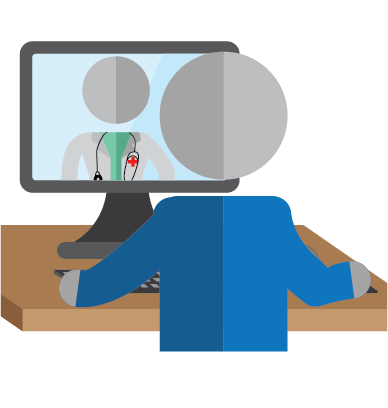
Telemedicine is a doctor’s visit on a computer, smart phone, or tablet. They can help with:
Diagnosing your illness
Ordering blood tests, x-rays, or other tests
Ordering prescription drugs
Help with mental health concerns
Manage chronic conditions and medications
Help with drug or alcohol abuse
Other ways to get care:
Call your clinic and ask if you can get a same day visit, or talk with a doctor.
If you have insurance, call your insurance company’s 24-hour nurse hotline.
Go to an urgent care clinic
If you have an emergency, call 9-1-1 or go the emergency room.
If you need to talk to someone right away:
Suicide Hotline: 1-800-273-8255
Substance Abuse Hotline: 1-800-662-4357
Domestic Violence Hotline: 1-800-799-7233
Why use telemedicine?
Telemedicine is fast, easy, and usually costs less than in-person visits. You can do it from home 24 hours a day, 7 days a week and can talk to specialists who don’t live near you. You can talk to:
Doctors
Mental health and substance abuse professionals
Specialists
Nurses
Midwives
Depending on your condition, you may still need to go to an in-person appointment for physical tests and follow-ups.
How do I use telemedicine?
What you will need:
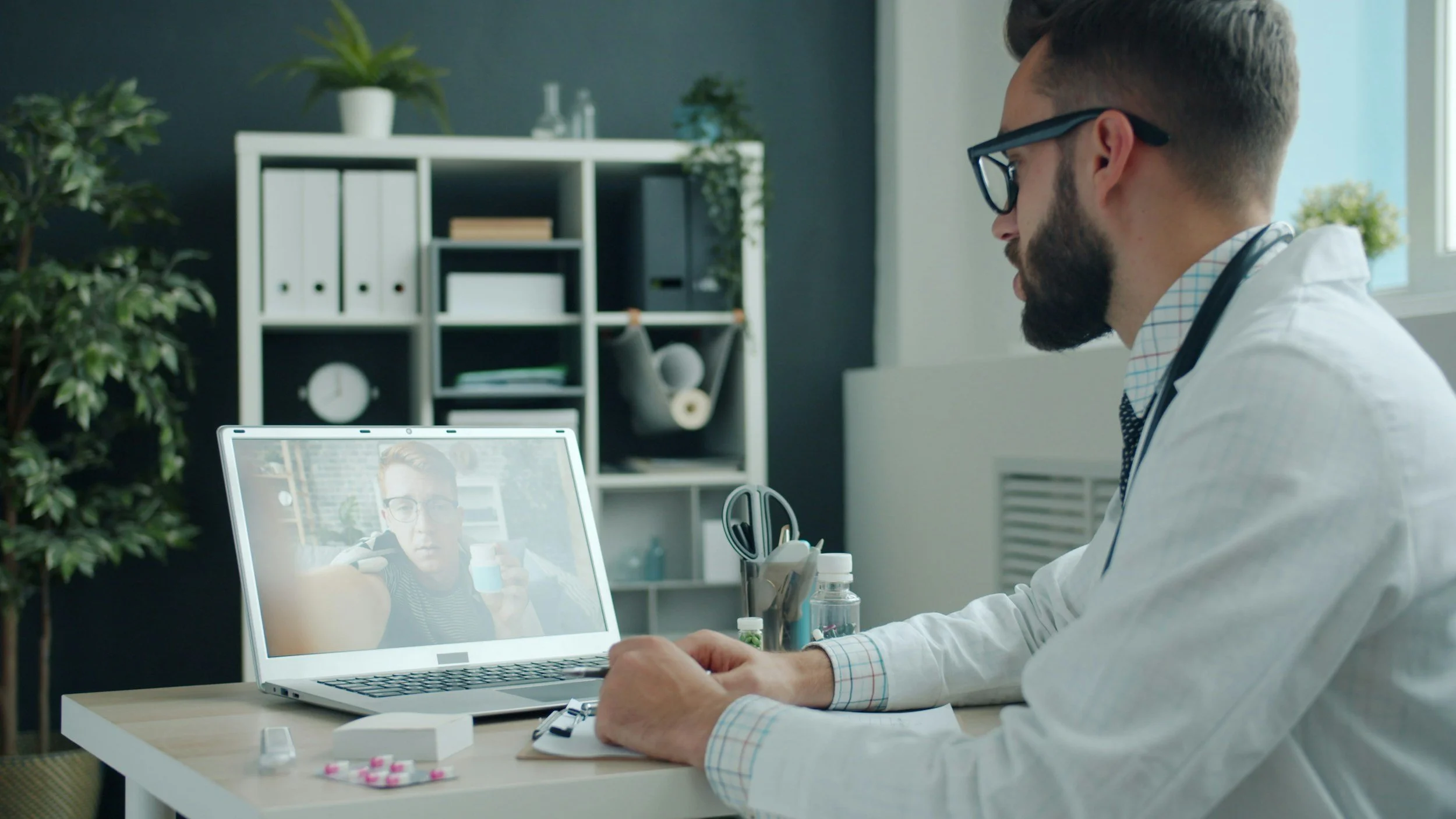
A smartphone, tablet, or computer with a camera and high speed internet access.
A debit or credit card to pay for the visit.
Either the app from your doctor’s office, or their website so you can join the virtual visit.
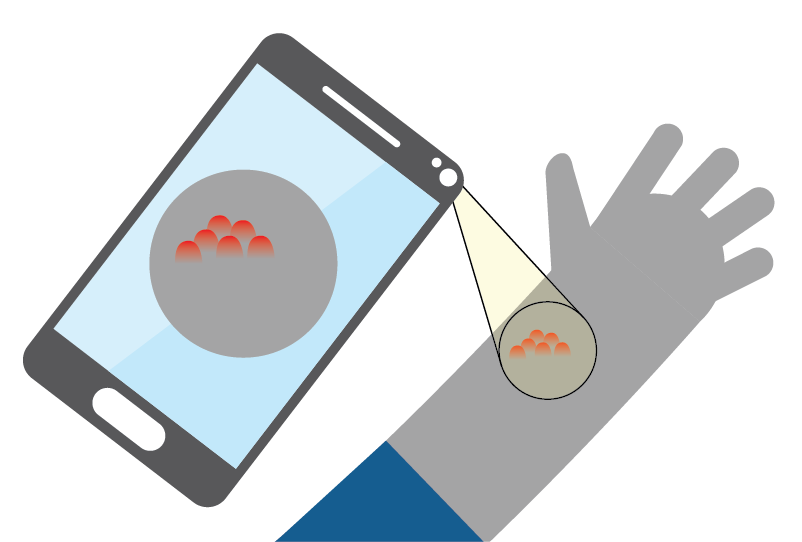
You may need to take a picture for the doctor to see
How do I find it?
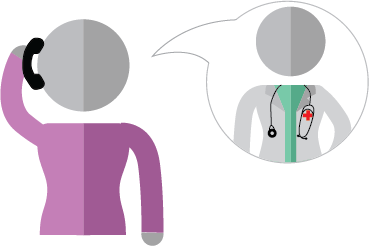
Call a clinic near you and ask if they do telemedicine. They may have their own website, system, or app.
How do I use it?
In the app or on the website, you will be asked to pick the type of doctor you need and to pick from a list of symptoms you are experiencing.
Are you a veteran?
You can go to https://connectedcare.va.gov/ for telehealth care.
Your Online Chart
What is an online chart?
An online chart is the Electronic Health Record that has all of your health information on it. Most doctors don’t use paper charts anymore. Your information is protected in the online chart, and you can find it by calling your doctor’s office and asking if they use an online chart, often called a patient portal.
What can I do with my online chart?
Through your online chart you can:
Make appointments
Get test results
Ask for prescription drugs
Pay a bill
Have an e-visit with your doctor
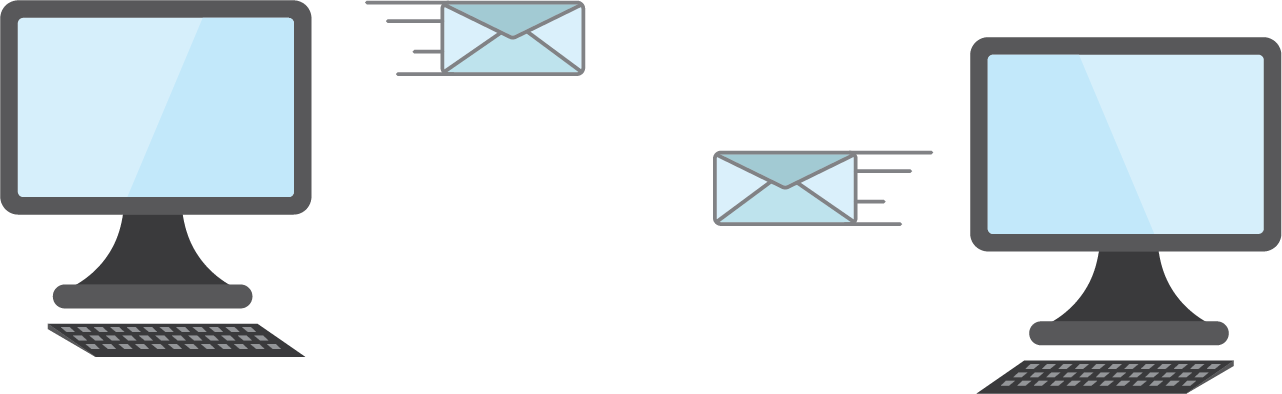
An e-visit is a doctor visit by email during normal clinic hours. The doctor usually will respond within 2 hours.


You can download a printable PDF of this information
Click the image to download a copy in English and Spanish.
